OpenSpan Desktop Automation

Today's business environment demands that you find new ways to maximize resources and optimize user productivity. As revenue growth and cost containment take center stage among management priorities, OpenSpan Desktop Automation™ can help you rapidly deploy process improvements across your workforce to improve user performance while leveraging existing resources.

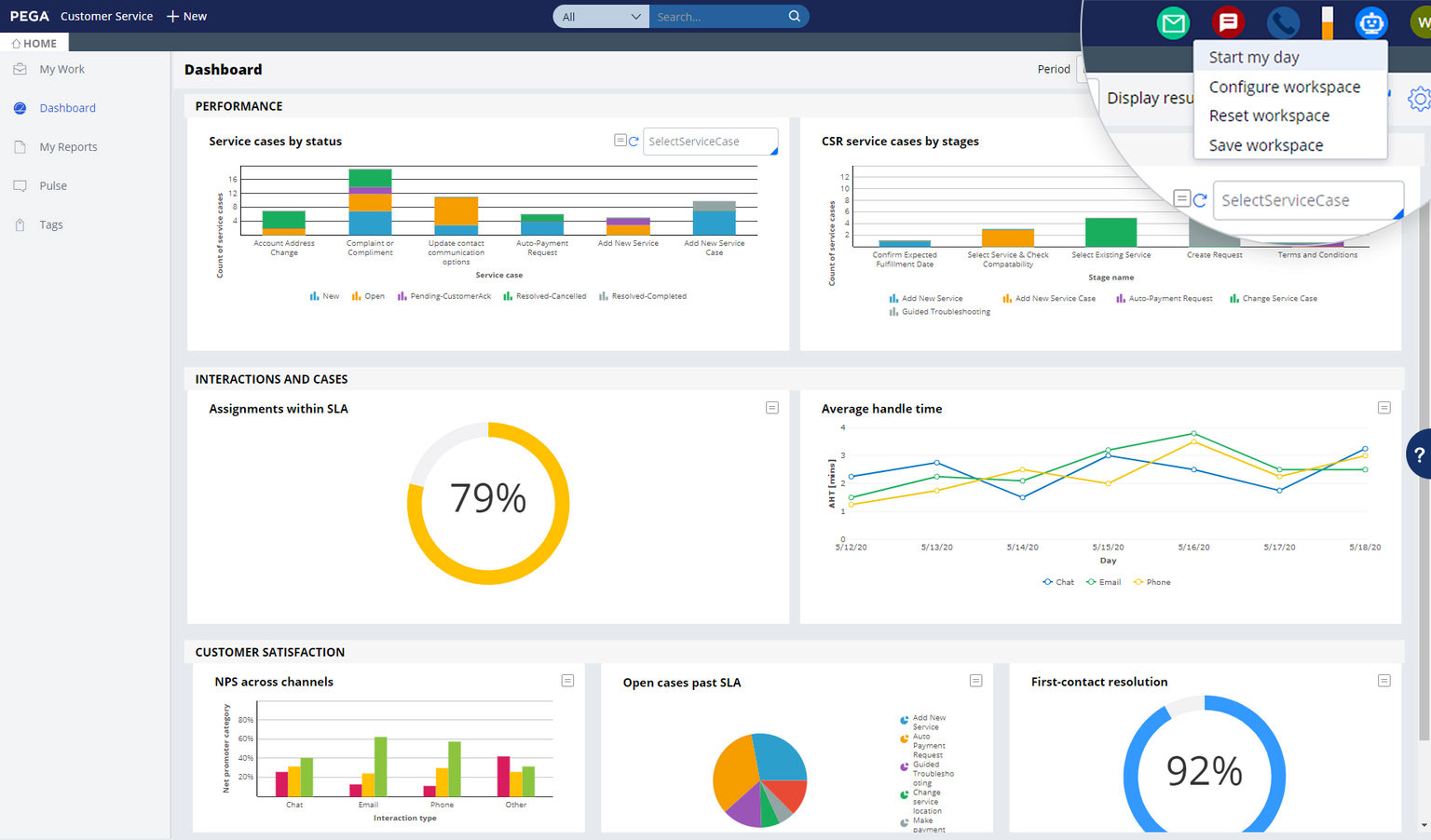
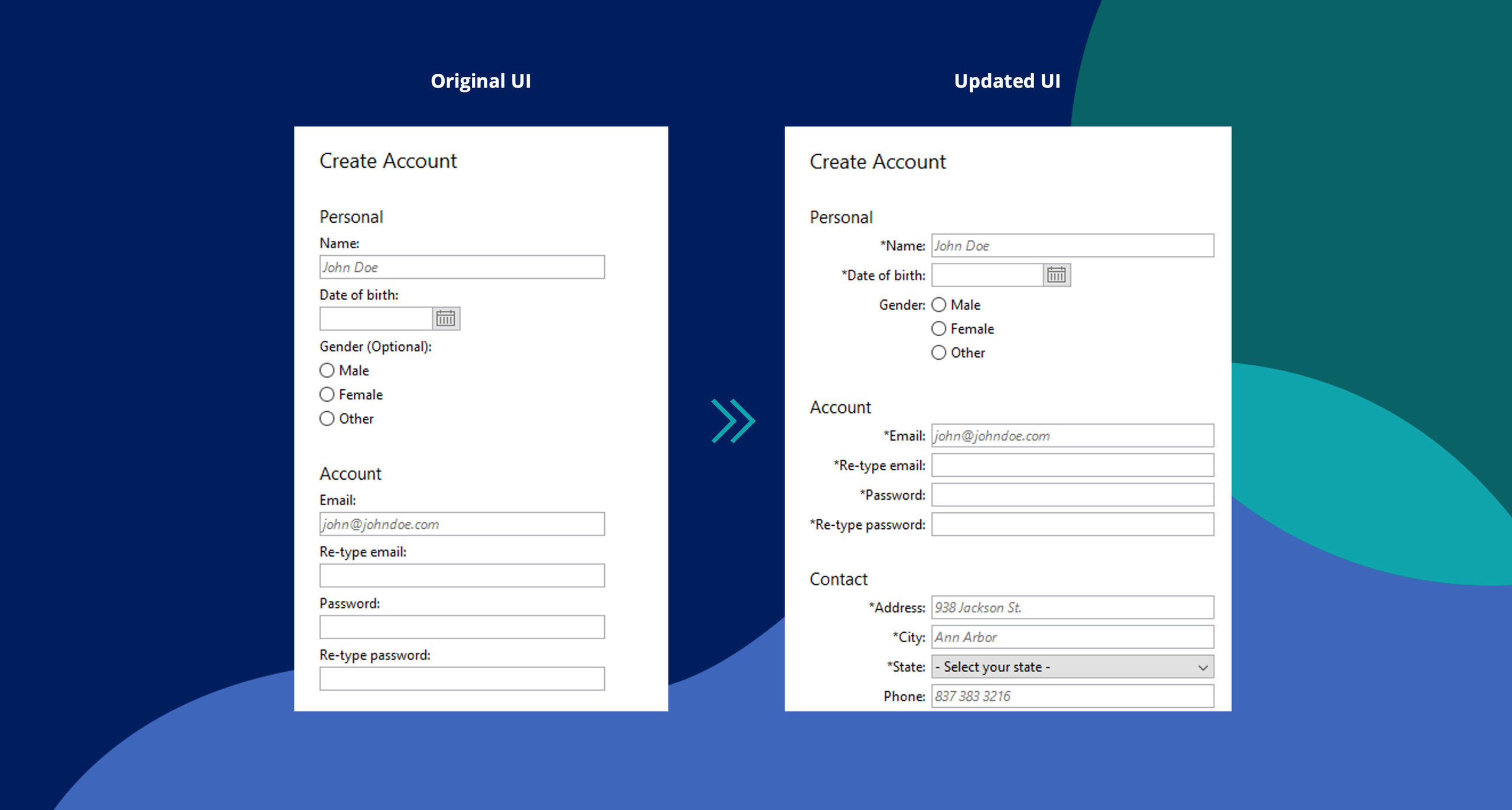
OpenSpan Desktop Automation is used to automate manual processes, modify user interfaces and add procedural/process guidance to workflows. Whether your users are hampered by tedious, repetitive tasks in a single application, or are challenged with complex, multi-step processes that involve numerous disparate applications, OpenSpan improves the user experience to make users more productive and remove opportunities for error.

With OpenSpan Desktop Automation, you can access and modify functionality in virtually any application, whether legacy, green screen mainframe, Windows desktop or Web- / Cloud-based. The graphical design environment enables you to rapidly automate tasks and workflows without accessing or modifying the underlying source code in your existing applications. The process improvement solutions you create are swiftly deployed to user desktops for immediate results. And because your process improvements can be rolled out in an iterative, project-by-project manner, OpenSpan Desktop Automation can support your organization's continuous improvement initiatives.


What can it do for me?

With OpenSpan Desktop Automation, you can:

  • Provide users with simpler user interface
  • Automate manual tasks
  • Give users on-screen, contextual/process guidance during critical processes
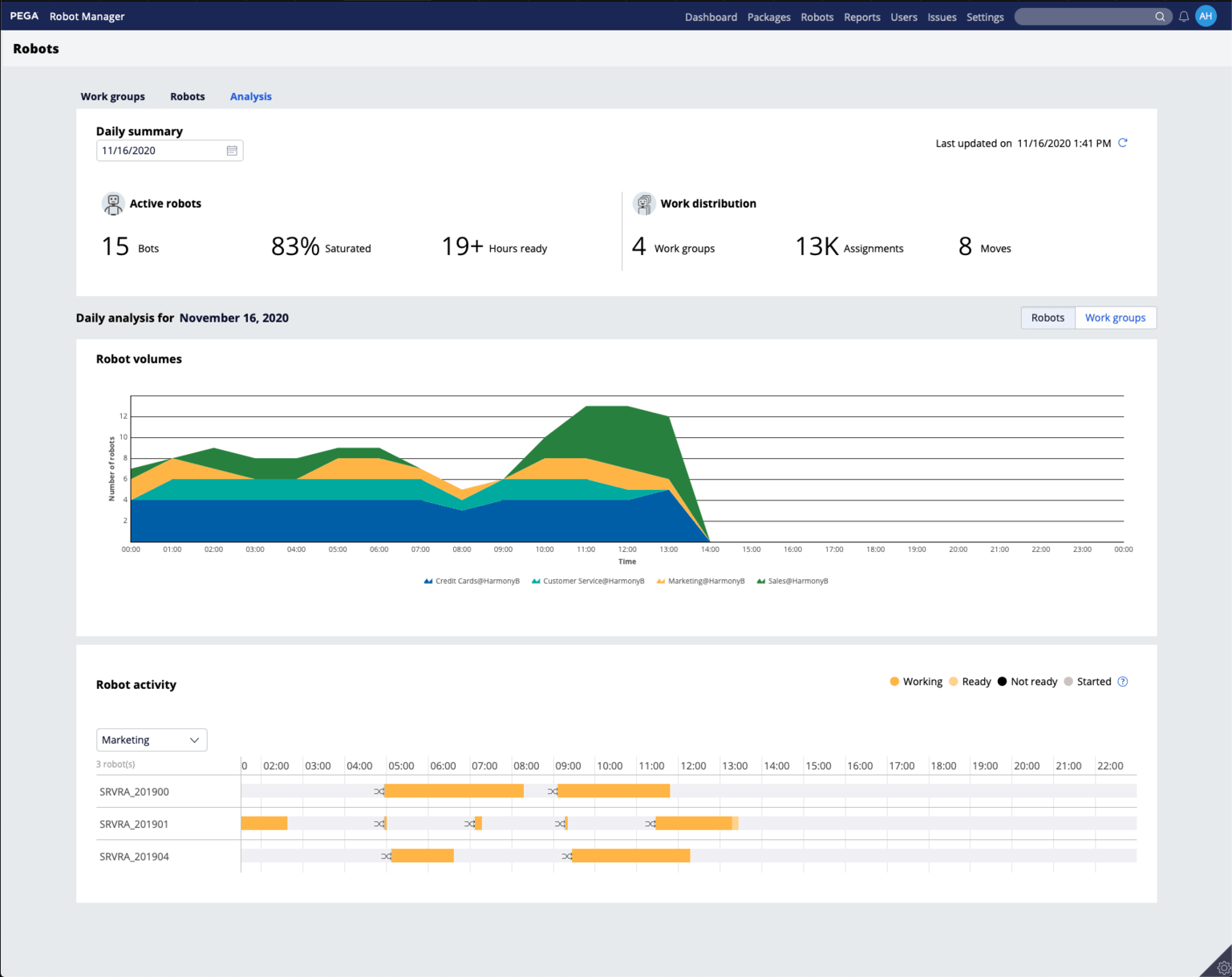
  • Trigger alerts, notifications or server-side BPM tasks based on user activity
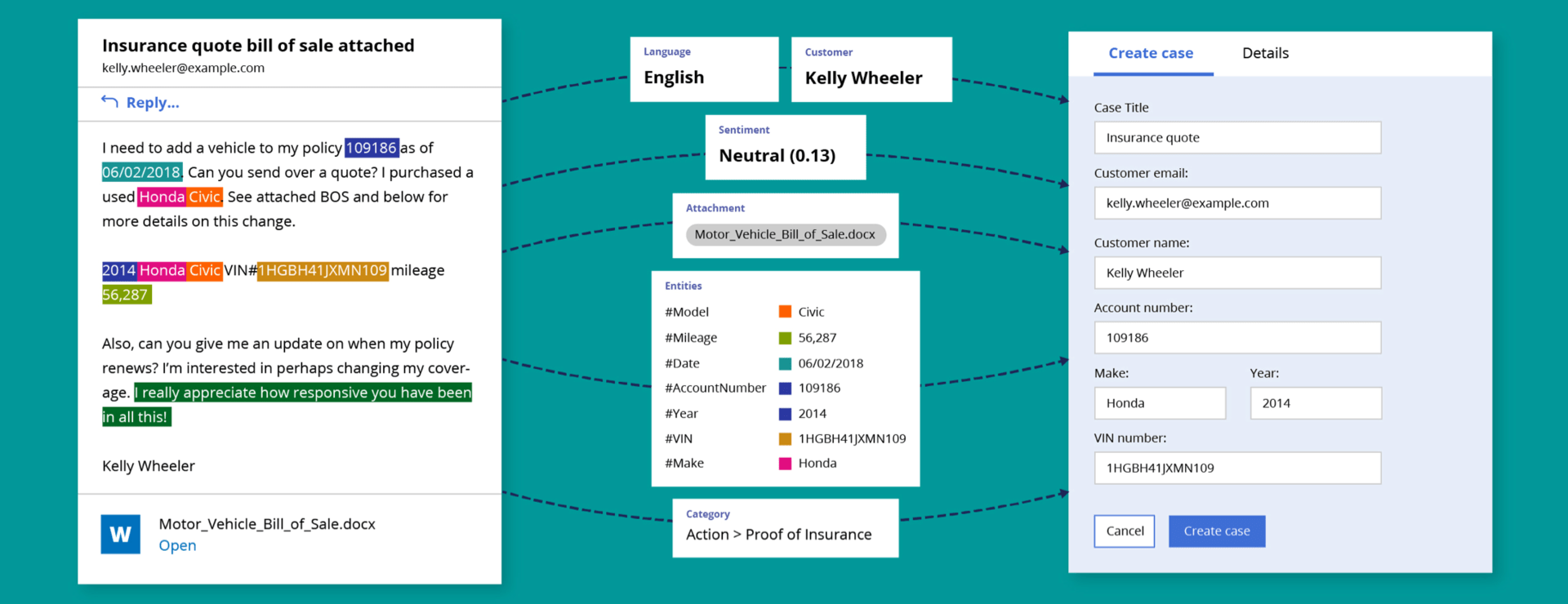
  • Automate tasks within applications and workflows that span multiple applications, to eliminate cumbersome human intervention like copy-and-paste
  • Extend applications with new functionality of business logic
  • Deliver composite applications or simplify an existing application”s user interface
  • Enable legacy applications to consume Web Services
  • Expose functionality from any application as a Web service
  • Bridge between cloud and locally-hosted applications

What does OpenSpan Desktop Automation work with?

OpenSpan Desktop Automation works with virtually any application available in a user's environment, including:

  • Windows / Web / Java / mainframe applications
  • Third-party and SaaS / Cloud-based applications
  • Citrix and virtualized applications
  • Any application or service with standard interfaces, such as Web Services or other available APIs
  • Closed, custom-developed applications with no APIs or exposed integration points
  • Enterprise applications, such as SAP, Oracle, Salesforce.com, Amdocs, FIS, BMC Remedy and others

How OpenSpan Desktop Automation Works

OpenSpan takes a unique approach to automation. OpenSpan Desktop Automation was designed to make process improvement solutions rapid to develop and deploy in-house, with little to no services requirement. It delivers the most powerful application automation and integration capabilities available today, in a graphical development environment that enables you to build robust automations without accessing or modifying application source code.

OpenSpan is event-driven and performs a prescribed set of actions when initiated by pre-defined events. Every action performed in an application—each click, keyboard command, link or button activated—initiates a communication between an application's objects and the operating system. OpenSpan resides between these layers, in effect opening applications and exposing their user interface objects to give you the ability to customize or modify the application's functionality and interface. OpenSpan gives you the same level of control over application functionality and user interface characteristics as the original software developer, enabling you to build process improvements that are simultaneously robust, yet easy to modify and deploy as business needs change.


OpenSpan Desktop Automation Components

OpenSpan Studio

process automation software, automate repetitive tasks, user interface automation, desktop automation software
OpenSpan Studio Integrated Development Environment

OpenSpan Studio is the integrated developer environment used to create application automations. The IDE is available as a stand-alone product or a plug-in to Visual Studio.NET 2008. OpenSpan Studio is a free product and can be downloaded from the OpenSpan Community Website at http://www.openspan.com/community.

OpenSpan Studio provides a set of sophisticated, yet easy-to-use tools to create new User Process Improvement solutions, known as automations in OpenSpan terminology.

OpenSpan Automation Runtime Client

The runtime client, or agent, sits on each user desktop and is the means by which process improvements built with OpenSpan Studio are deployed and executed. The runtime agent has a small footprint and effectively runs in the background, requiring no other interaction from the users. Users continue to interact with their applications as usual, or with new interfaces such as composite applications or new task bars developed with OpenSpan Studio.

OpenSpan Automation Broker

OpenSpan Automation Broker is an optional server-side component that allows IT organizations to deploy solutions as services in a server environment, instead of across enterprise desktops.


Supported Environments

Desktop Environments: Windows (2000, 2003, XP, Vista and Windows 7), Citrix, VMware

Databases: SQL Server; Oracle, ODBC

BAM & BPMS: TIBCO, Software AG webMethods, IBM and other leading platforms

Business Intelligence: Spotfire, Cognos, Business Objects, Hyperion, Microsoft Analytics, Pentaho and other leading platforms

Enterprise Applications: Application adapters for BMC Remedy, Siebel, Microsoft, Oracle, Salesforce.com, SAP, IE, MS-Office and many others


Who Uses OpenSpan?


Customers Customers Customers Customers Customers Customers