Process Improvement in the Call Center:
Boost Performance by 50% or More
When the topic of call center performance arises, the discussion can range from metrics and KPIs, to applications and technology infrastructure, to workforce management, to training approaches. Keeping all these things in check is certainly important to the success of the call center. But when you need to show measurable performance gains quickly, one of the best things you can do is analyze agent processes to identify waste or inefficiency in your call center workflows, identify and replicate best practices and improve substandard processes.
Whether or not you currently use BPM tools in the call center or have a formal process excellence initiative in place, you can use OpenSpan to rapidly make process improvements that enhance the user experience and transform the customer experience as well. The impact of these improvements can be astounding. Our customers regularly see performance improvements of 30-, 40-, 50-percent or even more in workflows that have been automated with OpenSpan. So how does it work?
Desktop Analytics: Monitor Call Center Workflows to Target Inefficiencies and Identify Call Center Best Practices
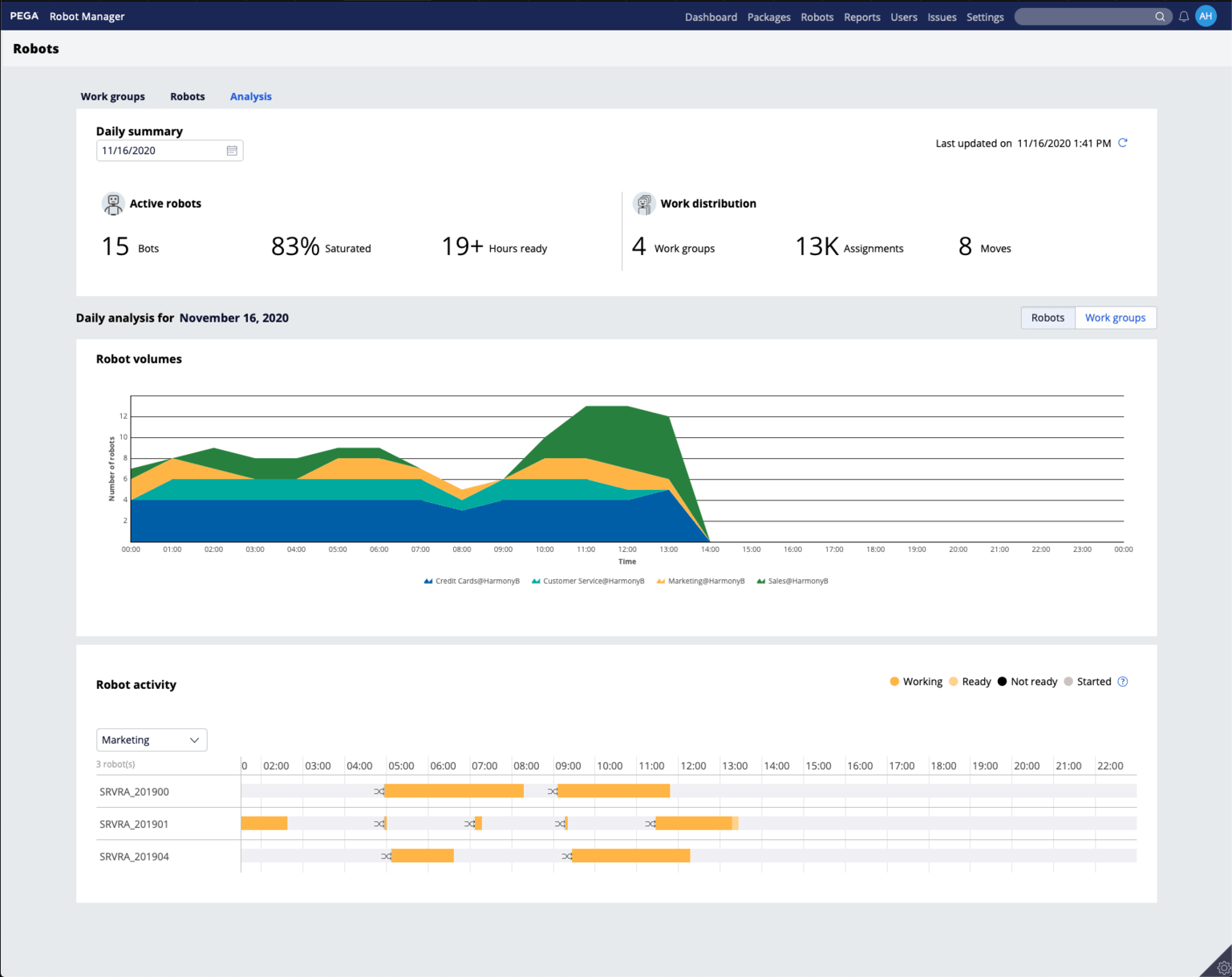
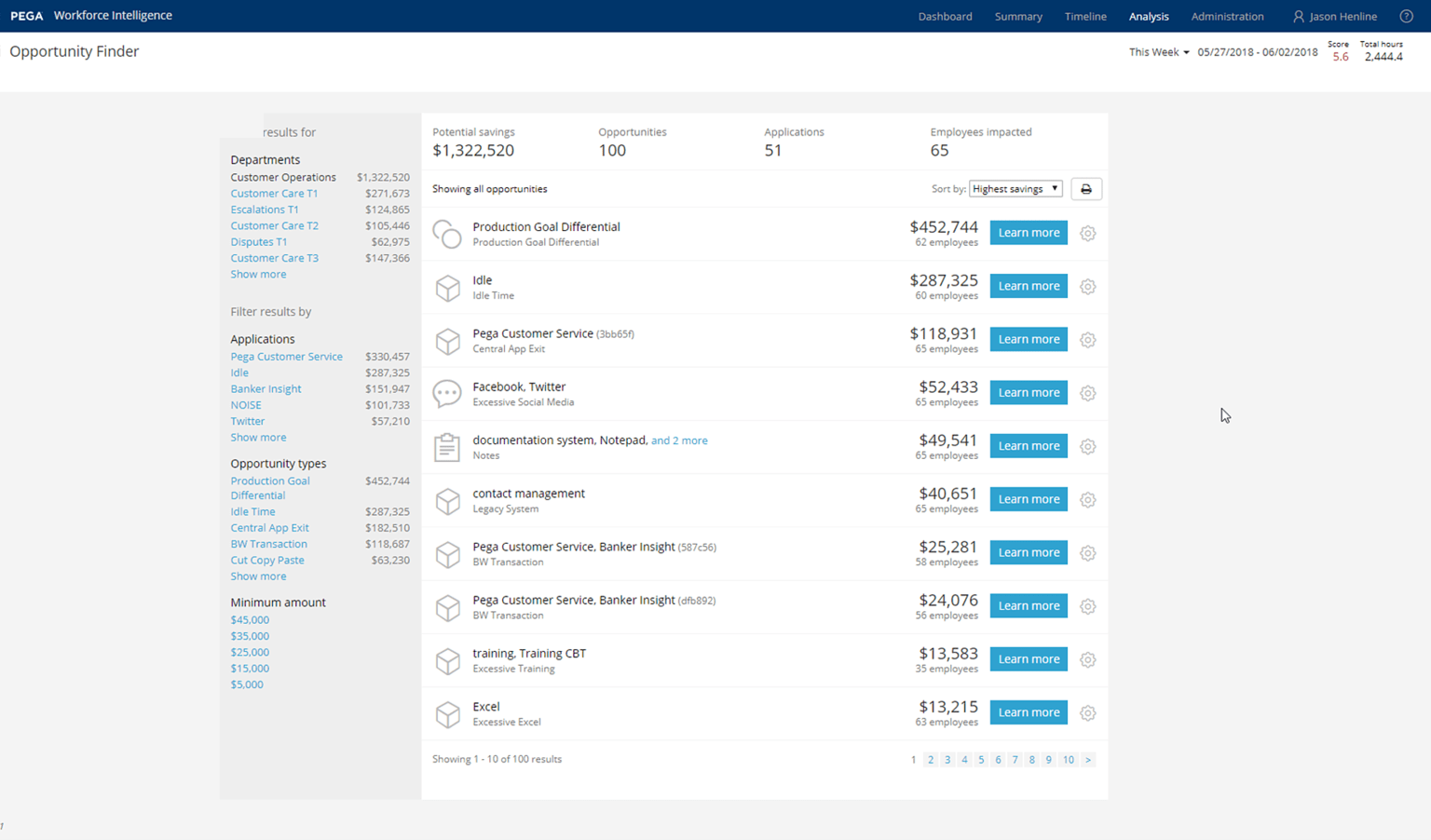
While you may already know of inefficient processes in your contact center today, OpenSpan's Desktop Analytics software will allow you to collect and analyze even more information about contact center workflows and how agents really interact with the desktop applications they use to perform their obs. Whether you want to gather very detailed click-stream activity from agent desktops, or wish to monitor only specific high-level user events, OpenSpan Desktop Analytics lets you capture agent activity to whatever degree you specify. By examining this user information, you can identify process inefficiencies and value leaks that may have otherwise gone unnoticed. Just as important, you can also spot areas of positive performance the contact center best practices your most productive agents follow, which can be replicated across the rest of the call center.
Desktop Automation: Improve Contact Center Processes with Automation
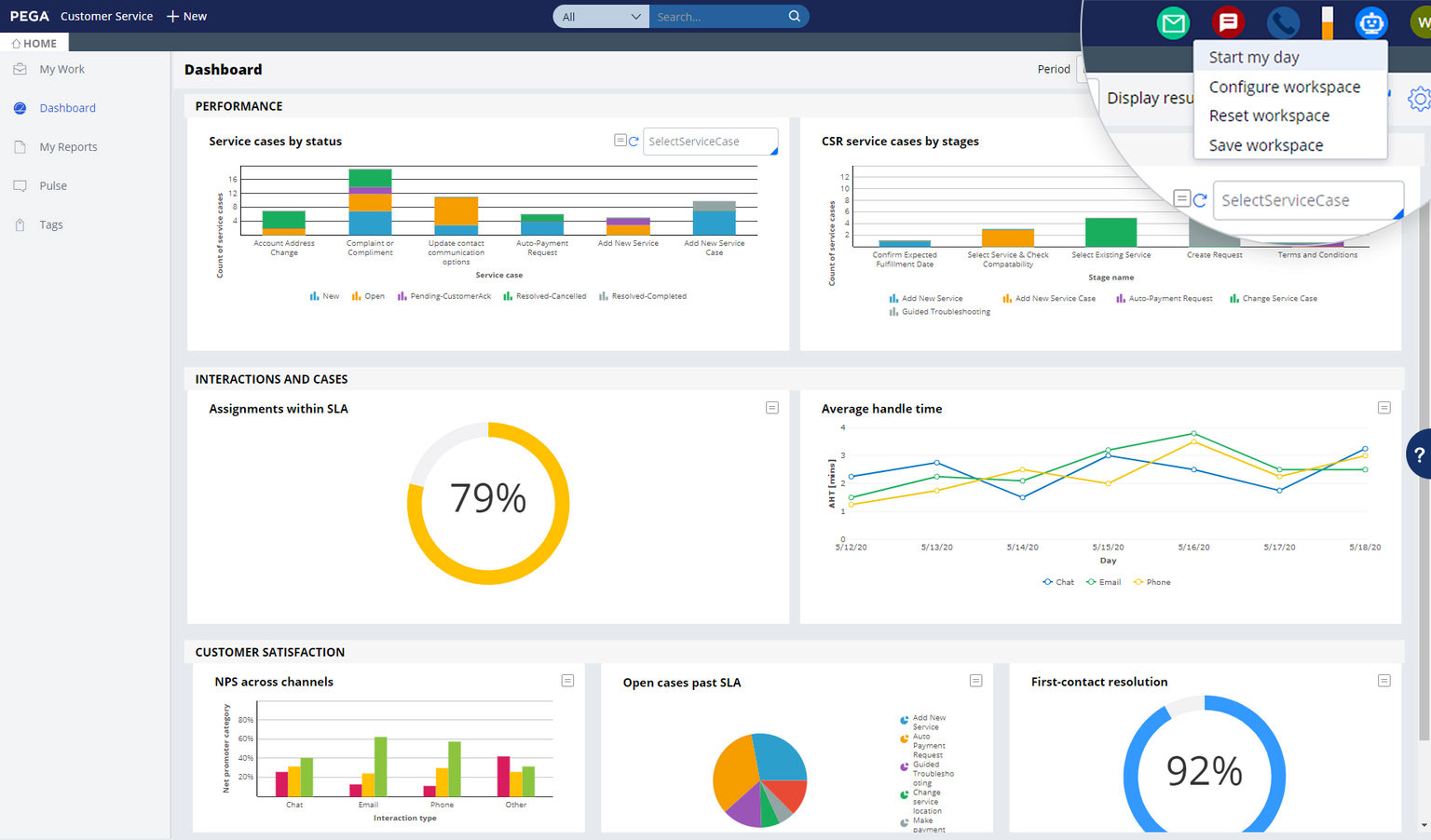
OpenSpan's Desktop Automation software gives you the capabilities you need to improve inefficient processes in your call center. Our powerful call center automation software can be used to automate repetitive, time-consuming manual tasks, improve the user interface and add procedural guidance to call center workflows, which boosts agent efficiency and reduces training. Imagine how much more productive your agents could be if you could rapidly and without coding do things like:
- give agents a 360° toolbar that consolidates customer information from multiple sources
- update customer information in multiple systems simultaneously
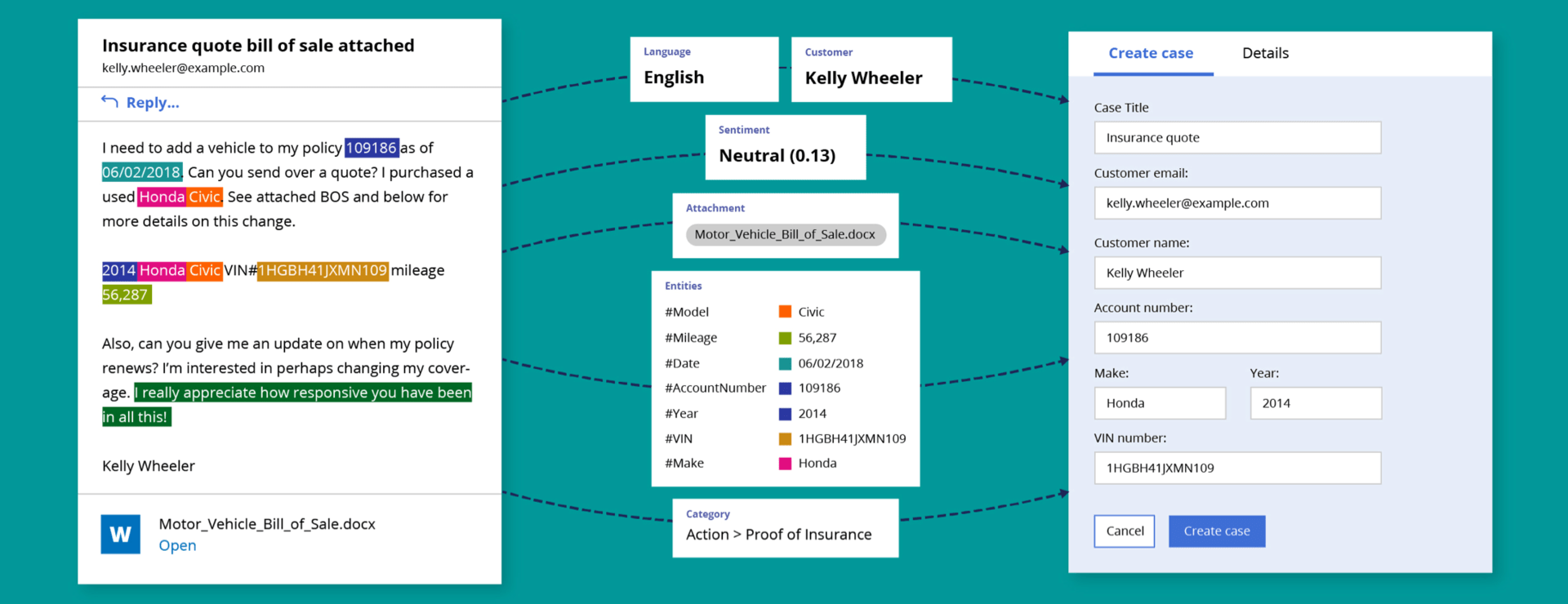
- automate searches across multiple systems to save time during a call
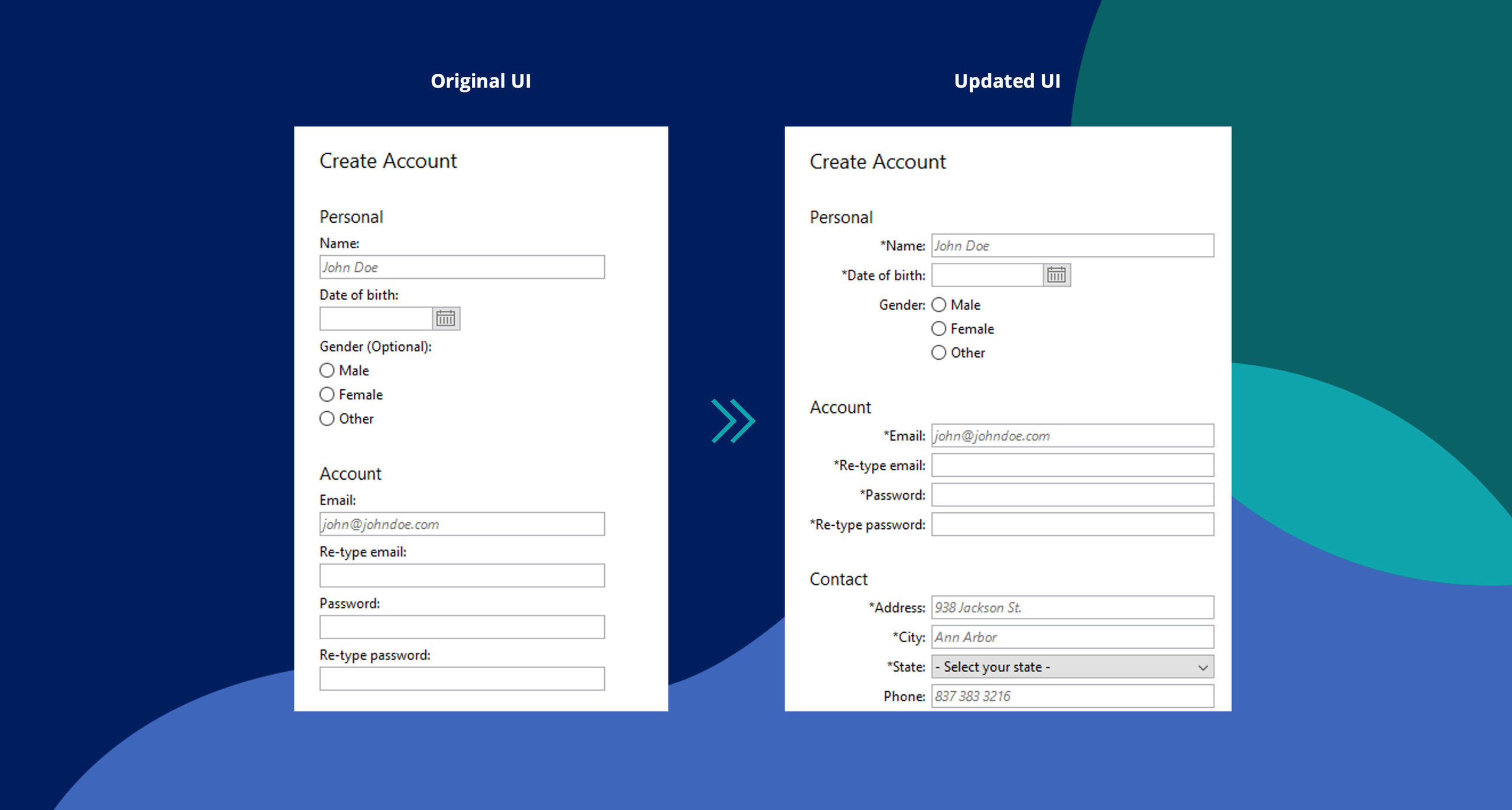
- remove unnecessary screens to streamline a process, or hide unneeded fields or buttons that confuse agents and cause errors
- guide agents through a process with onscreen contextual help or pop ups
- modify the user interface to prevent agents from performing undesired actions
- prompt the agent with real-time promotions or up-sell/cross-sell offers during the call
- automate the capture of call notes as actions are performed to save time in call wrap up
These are just a few examples of how call centers use OpenSpan contact center automation software to improve agent processes and increase revenue, enhance the customer experience, improve compliance and reduce costs due to training and errors.
Initiating a Call Center Process Improvement Project
So what is the best way to get started? Our OpenSpan process improvement specialists have worked with scores of organizations like yours to perform extensive, formal benefits assessments as the first step in their call center process improvement plans. But you can get started your by simply making a list of any broken, inefficient or manual processes that you already know exist in your call center. Where do agents spend a lot of time? What do they complain about? What do customers complain about? Or use OpenSpan's Desktop Analytics software to identify potential process improvements. By monitoring agent processes, you can see exactly how much time various processes take, and which steps are taking the longest to perform. Look for repetitive manual tasks that are costing your agents valuable time during calls and determine the impact that shortening those processes would have on your call center.
Estimate the benefit to your organization of improving each of the inefficient processes on your list, as well as the anticipated cost in terms of effort or time to make the improvement. Then prioritize your list, placing those improvements that will deliver the most impact with the least effort at the top. This is your low-hanging fruit. These are usually the best processes to improve first, because they deliver big impact and a rapid ROI. By showing positive results quickly, you will gain support for your efforts throughout the organization. Your call center teams will be more likely to embrace process change when they see that it improves their productivity, and senior management are more likely to encourage your continuous improvement efforts when they see a measurable ROI rapidly.
Continuous Improvement in the Call Center using OpenSpan Desktop Analytics and Automation
Individual process improvements like these will certainly deliver immediate value for your organization. But one of the most powerful aspects of using OpenSpan's Desktop Analytics and Desktop Automation tools is that together, they represent the only end-to-end solution to support a continuous improvement model for call centers today. Many organizations are using these tools together to deliver ongoing, incremental value by continually monitor, measure and improve call center processes as part of their long-term commitment to organizational excellence. At the outset, they use OpenSpan Desktop Analytics to identify process inefficiencies or compliance gaps and then improve those processes with OpenSpan's Desktop Automation capabilities. Once the improvements are deployed, they use OpenSpan Desktop Analytics to measure the impact of those improvements, and continue to refine processes over time.
Learn About:
- OpenSpan for Business Process Outsourcers (BPOs)
- OpenSpan for Banking and Financial Services
- OpenSpan for Insurance Customer Service
- OpenSpan for Telecommunications Providers
Recent Webinars Now On-Demand:
- 7 Process Automations to Improve Call Center Agent Productivity
- Create the Universal CSR in the Call/Contact Center
- Lean Six Sigma for Call Center Operations-An Overview
- 4 Reasons You Need User Process Management in the Call Center (and Why Your CEO Will Notice)
- Show Them The Money! Gaining Approval for Your Quality Project
OpenSpan provides solutions for Contact Centers, ERP & CRM Integration, Risk, Fraud and Compliance, BPM/BAM, etc.,
OpenSpan provides industry specific solutions for Insurance, Banking/Financial Services & Telecom.