OpenSpan Desktop Analytics

OpenSpan Desktop Analytics™ captures user activity at the desktop to reveal how users interact with their desktop applications, and provides you with tools for measuring and reporting on user processes. OpenSpan Desktop Analytics gives you an unprecedented level of visibility and insight about how users work and how processes can be improved for greater productivity.

The ability to capture and analyze user activity at the desktop level can be useful in many ways. With information about individual application usage, you can better manage IT resources and spending. By understanding how users interact with their desktop environment to perform tasks, you can gain valuable performance insights that can help you identify and replicate best practices across the workforce. Evaluating user activity may allow you to detect process bottlenecks, possible compliance violations and other value leaks. And by tracking processes before and after process improvement projects, you can measure the impact of your efforts.


With OpenSpan Desktop Analytics you can:

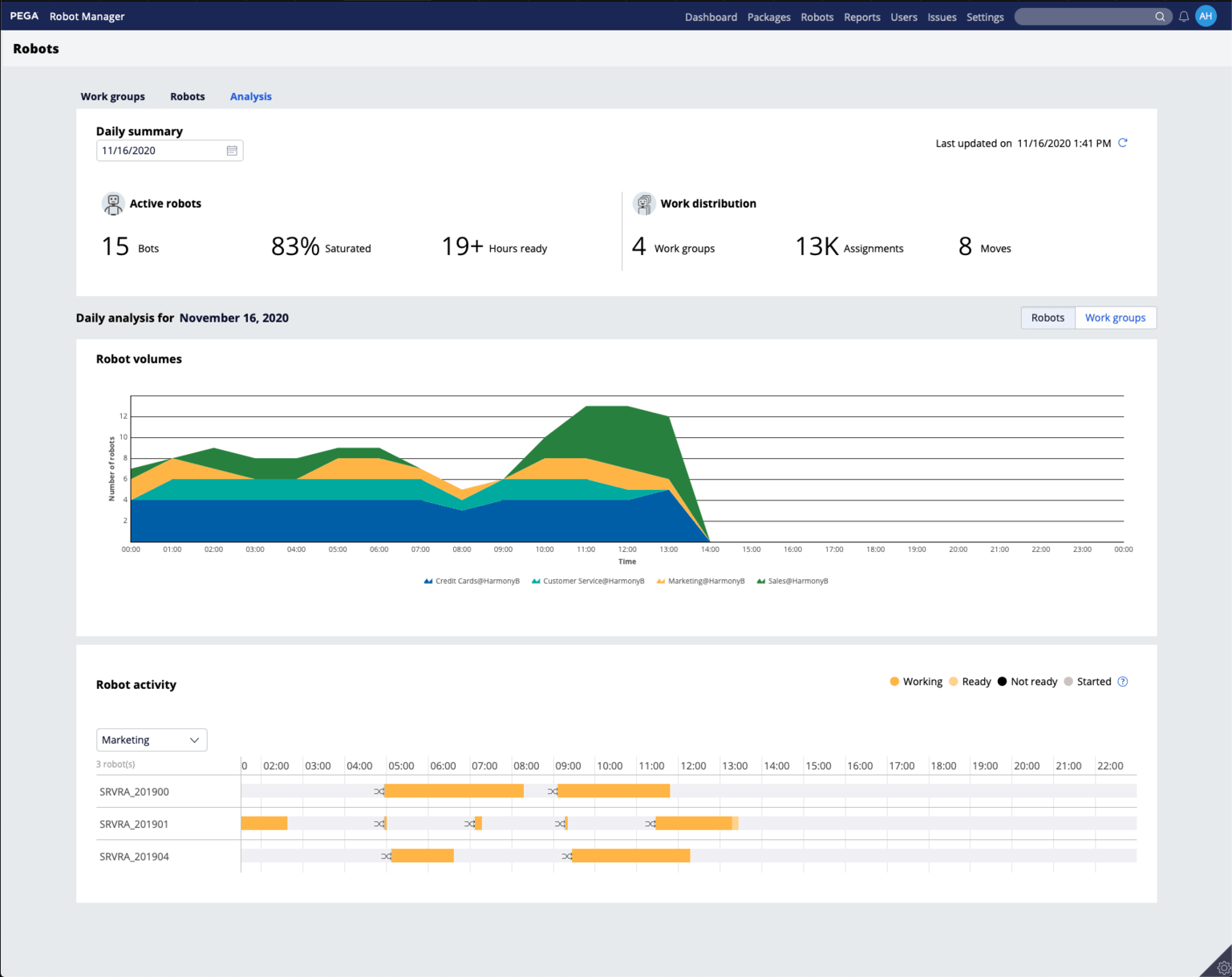
  • Map application usage detail: Use timelines, heat maps, and other charting tools to illustrate use patterns and peaks by time of day (by application or screen within an application), with drill-down views that map specific workflows by the individual user.
  • Analyze business processes: Monitor individual processes such as order entry or call wrap-up to identify opportunities for automation. Track specific processes that relate to key performance indicators (KPIs) or business metrics as sales promotion success or average handling time (AHT) in the contact center. Detect and alert on suspicious activity, procedural deviations or compliance violations in front- or back-office processes.
  • Perform workflow analysis: Gather workflow information across the entire workforce for aggregated reporting, or filter to review by group, team or region, or drill down into individual user performance.
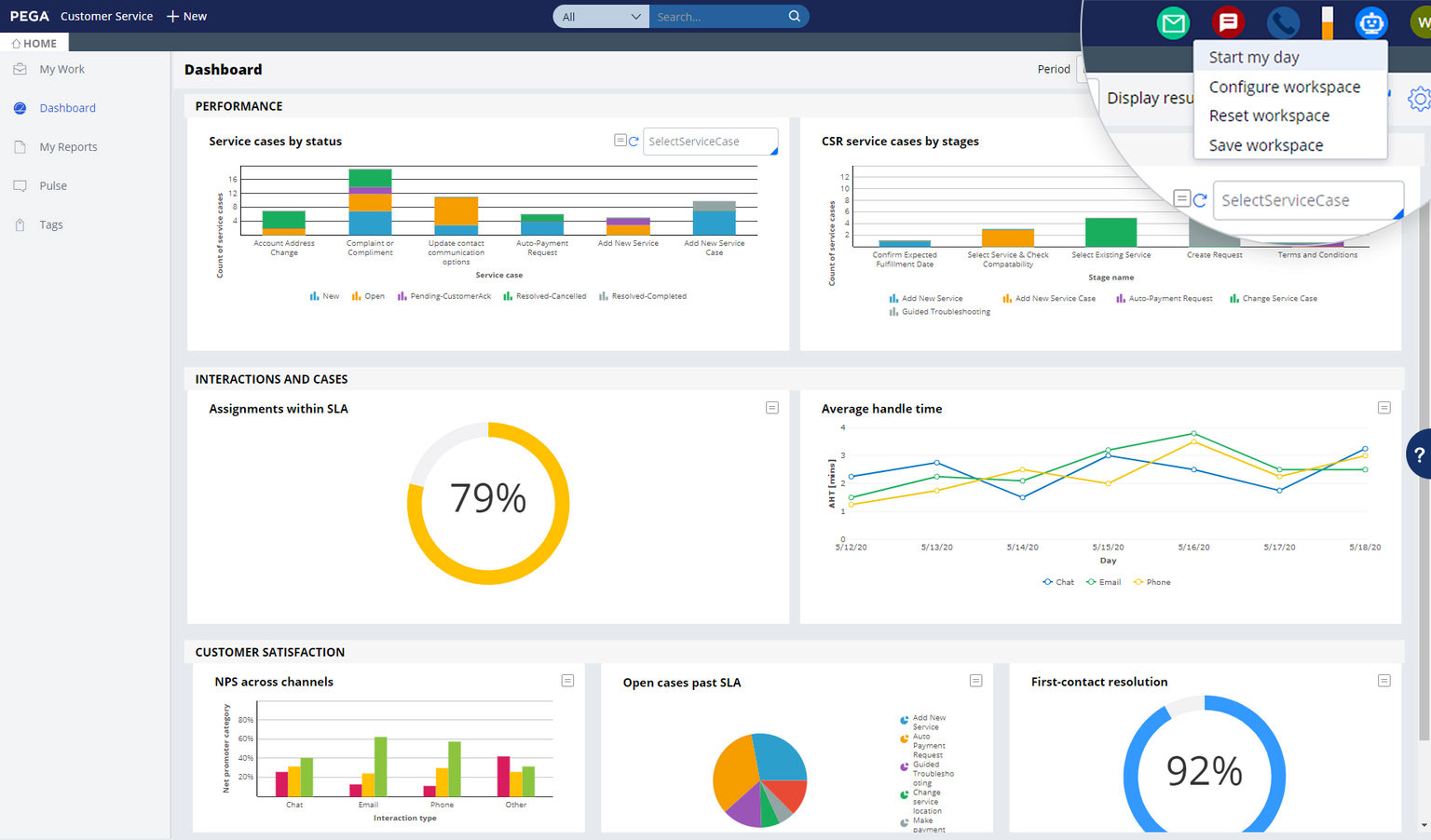
  • Create an application activity dashboard: Present usage statistics including application usage, web site usage, user counts, top regions, supervisors and users by usage time, in an easy to read and analyze single-screen view.
  • Measure the impact of process improvement efforts: Establish accurate baselines and benchmarks before implementing process improvements so that the impact of your improvements can be accurately measured.
  • Leverage other resources: Feed the user activity data captured into a Workforce Management system, business intelligence (BI) tool such as Cognos, Business Objects, or Hyperion, send it in real time to a Business Activity Monitoring (BAM) or Complex Events Processing (CEP) engine, or use it to trigger tasks in a Business Process Management (BPM) system.
  • Archive activity data: Store user activity data in a central repository for audit trail purposes, compliance reporting, historical analysis..

How OpenSpan Desktop Analytics Works

desktop analytics, application usage analysis, application analysis software
Using Process Heat Map you can gain insight into commonly performed processes and identify inefficiencies

OpenSpan Desktop Analytics provides tools for quickly and easily monitoring user activity in any application or set of applications on a user's desktop, including Windows, Web, Java, mainframe, cloud-based, virtualized or Citrix-hosted applications, without programming and without modifying the original applications. This enables business analysts, line-of-business managers and executives to analyze user data from one machine or hundreds to gain valuable insight into user activities and make decisions about business processes that result in improved organizational performance. With OpenSpan Desktop Analytics, you specify the level of user activity to be captured:

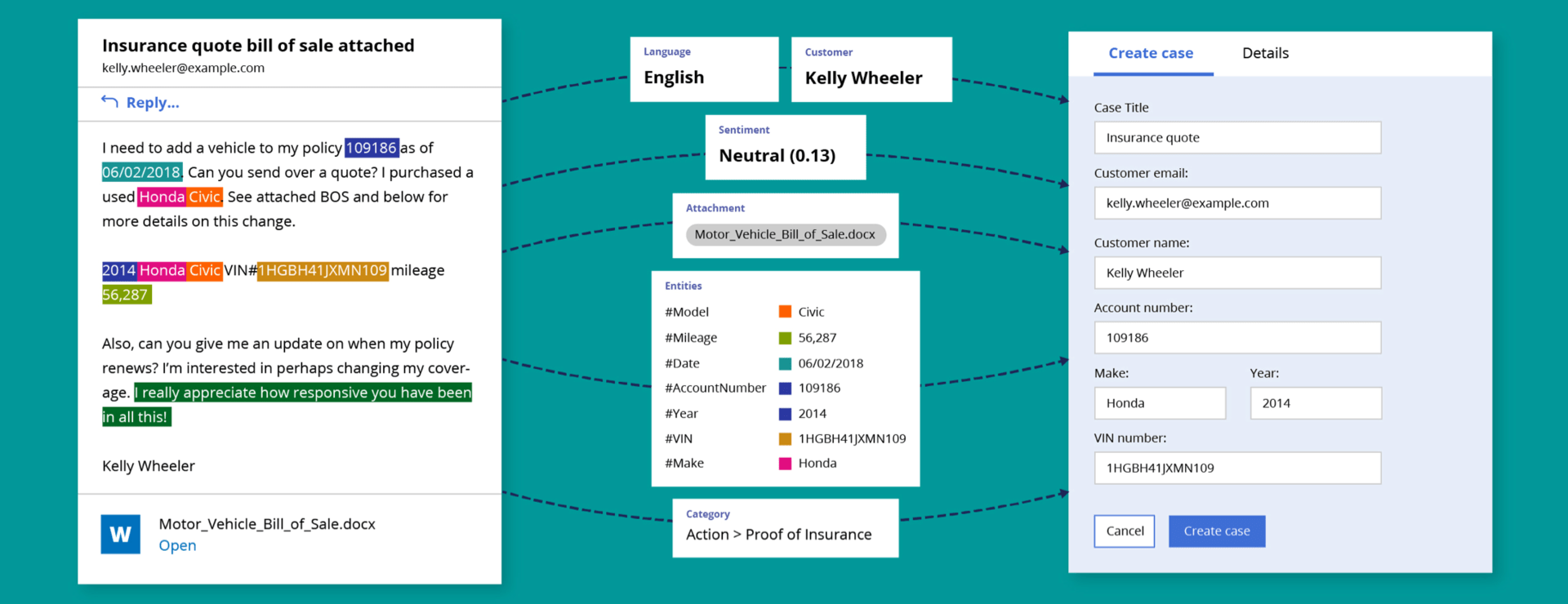
Application Usage Events - Out-of-the-box capabilities enable you to capture high-level user activity information for a comprehensive, granular level of click-stream detail about every application used or web site visited. With no programming or customization, you can capture application start/stop/active/idle status, contextual data such as application name, user ID, machine name, date and time, duration of application use, changes to fields or data records, navigation information such as clicks, tabbing, scrolling, screen resizing, and more.

Application Detail Events - Monitor usage of a particular application by capturing all events and navigation for that application, or configure monitoring capabilities to track only specified actions, UI controls or application objects utilized, such as specific clicks, tabs or screen focus activity.

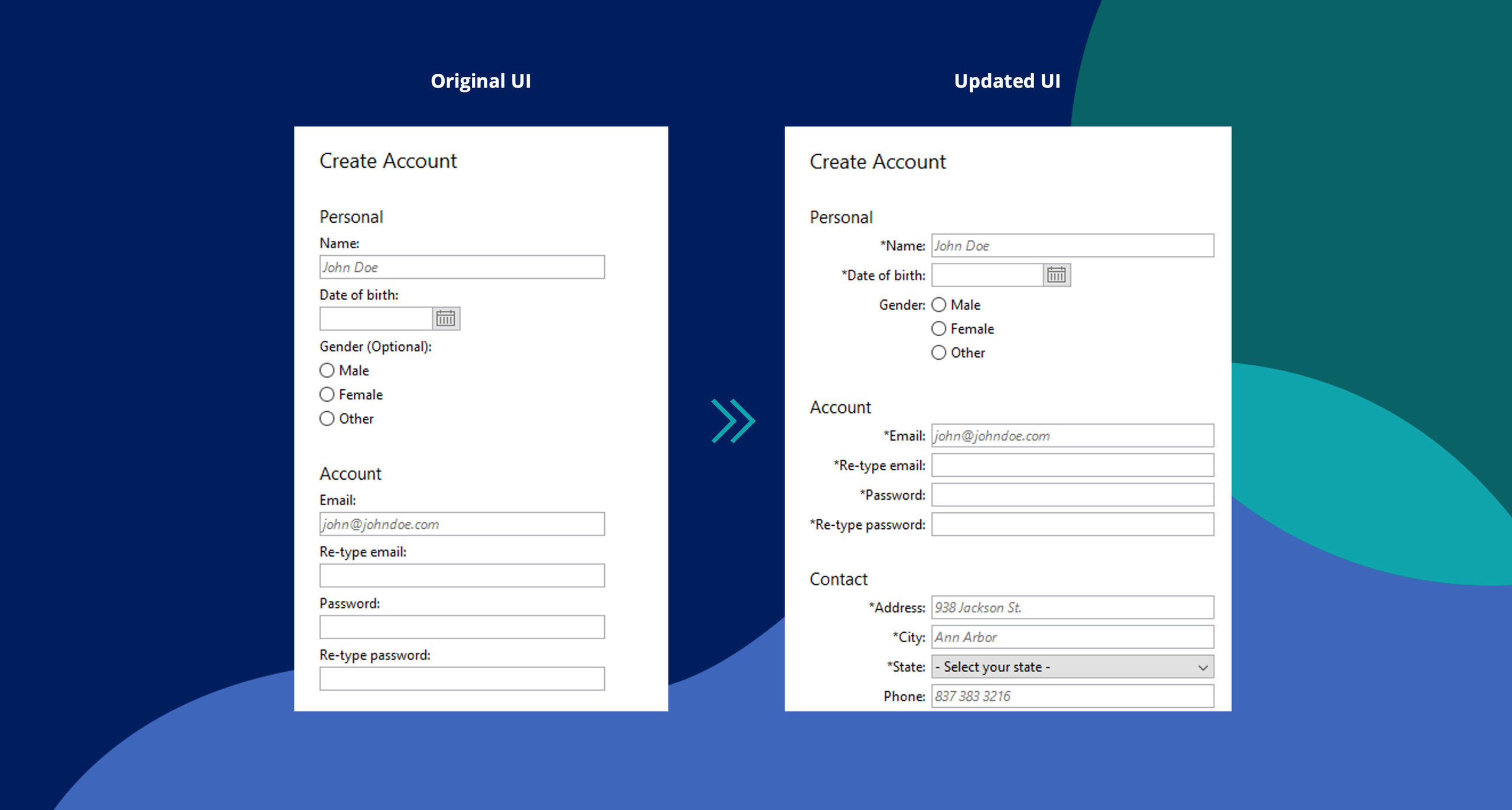
Custom Events - Gain greater insight into business processes by defining specific workflows, metrics and user activities you wish to track. Customize monitoring of user workflows and tasks within those workflows, detect workflow deviations (useful for compliance tracking), log variable contextual data per task, and define custom metrics and alerts.

Learn more about Monitoring Uses for OpenSpan Desktop Analytics.

Built-in Reports and Tools

application analysis tools, end user experience monitoring tools, end user monitoring software

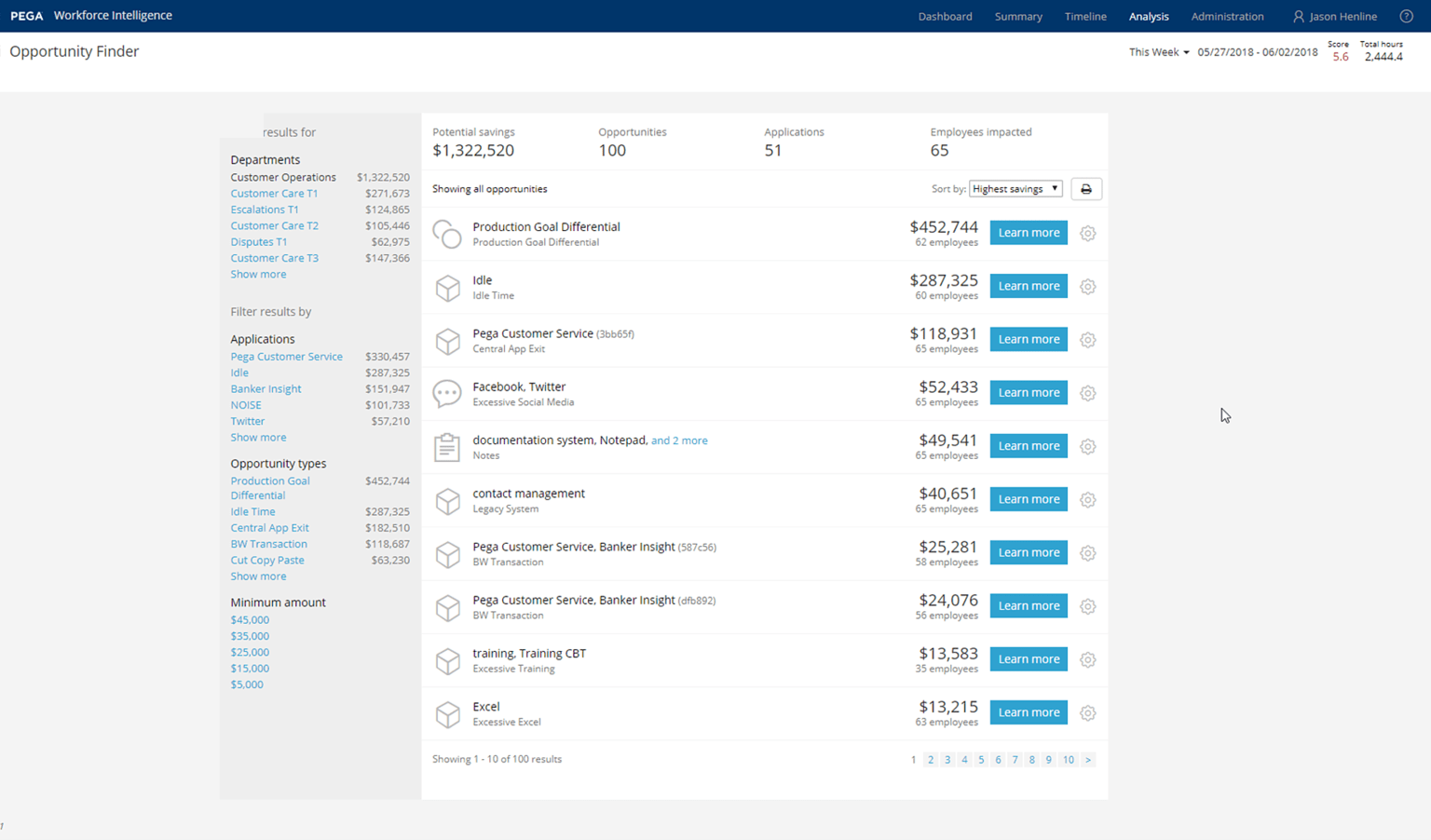
OpenSpan Desktop Analytics comes with built-in reports and visualizations that help you evaluate and report on user activity. Another unique capability is the OpenSpan Process Toolbar which enables users to manually specify start and stop markers for defined processes and activities; this is useful to extend automated process monitoring with more detail, or to implement a rapid time & motion study.

Find out more about Customized Reporting with OpenSpan Desktop Analytics.


Product Components

OpenSpan Desktop Analytics Runtime

OpenSpan Desktop Analytics is a lightweight desktop runtime that passively and securely collects desktop events. By capturing information about user activity, OpenSpan Desktop Analytics provides unprecedented visibility into how your users interact with individual software applications, and how they perform processes that span multiple applications.

OpenSpan Desktop Analytics Server

Complements the OpenSpan Desktop Analytics runtime by collecting events, transforming and storing them in a central database (in a BI-friendly scheme), and optionally forwarding events to third party BAM, CEP, WFM and other subscribers.

OpenSpan Studio

The visual development environment used to define and deploy event collection from user desktops in a rapid and secure fashion. The OpenSpan Studio is a free product and can be downloaded from the OpenSpan Community Website.


Supported Environments

Desktop Environments: Windows (2000, 2003, XP, Vista and Windows 7), Citrix, VMware

Databases: SQL Server; includes a well-documented extensible data model

BAM & BPMS: TIBCO, Software AG webMethods, IBM and other leading platforms

Business Intelligence: Spotfire, Cognos, Business Objects, Hyperion, Microsoft Analytics, Pentaho and other leading platforms

Enterprise Applications: Application adapters for BMC Remedy, Siebel, Microsoft, Oracle, Salesforce.com, SAP, IE, MS-Office and many others


Who Uses OpenSpan?


Customers Customers Customers Customers Customers